robots.txt for AI crawlers: GPTBot, ClaudeBot, PerplexityBot and Google-Extended
By Anshad P.V, Founder, Axpecto · · 3 min read
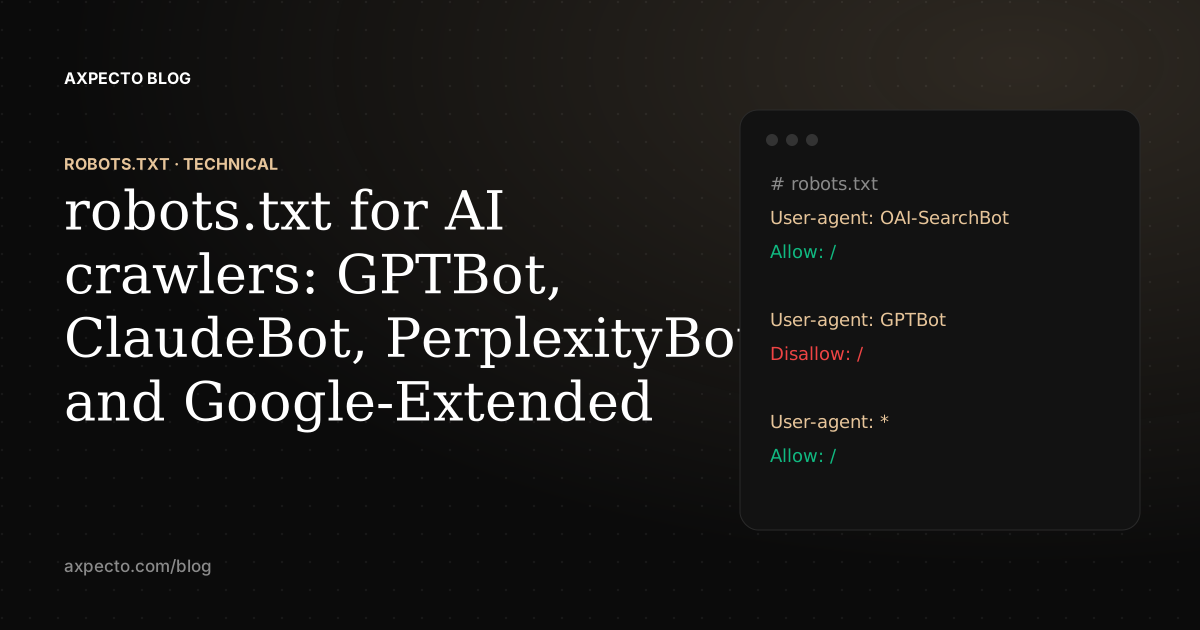
AI companies use different crawlers for different jobs: some collect pages for model training, some build the index their assistant searches, and some fetch a page live because a user asked about it. robots.txt lets you allow or block each one by its user-agent name, so you can, for example, stay visible in ChatGPT search while opting out of training.
To see what your own robots.txt allows right now, use our free AI Crawler Checker.
Which AI crawlers should you know about?
| User-agent | Company | What it is for |
|---|---|---|
| GPTBot | OpenAI | Collecting pages for training |
| OAI-SearchBot | OpenAI | The index ChatGPT search uses |
| ChatGPT-User | OpenAI | Fetching a page when a user's request needs it |
| ClaudeBot | Anthropic | Collecting pages for training |
| Claude-User | Anthropic | Fetching a page when a user asks |
| PerplexityBot | Perplexity | The index Perplexity searches |
| Perplexity-User | Perplexity | Fetching a page when a user asks |
| Google-Extended | Not a crawler: a token controlling whether pages Google crawls may be used for Gemini | |
| Applebot-Extended | Apple | A token controlling use for Apple's AI models |
| Amazonbot | Amazon | Amazon's crawler, used for Alexa |
| meta-externalagent | Meta | Collecting pages for Meta's AI |
| Bytespider | ByteDance | ByteDance's crawler |
| Googlebot / Bingbot | Google / Microsoft | Search indexes that several assistants ground their answers in |
Vendors add and rename crawlers. Check each company's own crawler documentation before relying on a name.
How do you allow AI search but block AI training?
Block the training crawlers by name and leave the search and user-fetch crawlers allowed:
User-agent: GPTBot
Disallow: /

User-agent: ClaudeBot
Disallow: /

User-agent: Google-Extended
Disallow: /

User-agent: *
Allow: /
Disallow: /account/

Sitemap: https://www.example.com/sitemap.xml
Weigh this choice. Blocking a training crawler is a reasonable decision about your content, but it also reduces what future models know about your business when they answer without searching.
How do you allow every AI crawler?
If you want to be found and recommended as widely as possible, a robots.txt that allows everyone and keeps only private areas closed is enough. Crawlers not named in their own group follow the * group:
User-agent: *
Allow: /
Disallow: /dashboard
Disallow: /login

Sitemap: https://www.example.com/sitemap.xml
What mistakes block AI crawlers by accident?
- A named group replaces the * group; it doesn't add to it. Under the robots.txt standard (RFC 9309), once you write "User-agent: GPTBot", GPTBot follows only that group, so the Disallow lines you wrote under * no longer apply to it. Repeat them in every named group.
- Bot protection blocking what robots.txt allows. Firewall and CDN settings that block "AI bots" or challenge unknown visitors stop crawlers before robots.txt matters. Check your CDN's bot settings as well as the file.
- Blocking a search crawler while meaning to block training, for example OAI-SearchBot instead of GPTBot.
- Content that needs JavaScript. A crawler that is allowed in but doesn't run JavaScript still sees an empty page.
- A robots.txt that returns an error page or a redirect loop, which crawlers may treat as "blocked" or "no rules" depending on the status code.