Why doesn't ChatGPT mention my website? 7 reasons and how to fix each
By Anshad P.V, Founder, Axpecto · · 6 min read
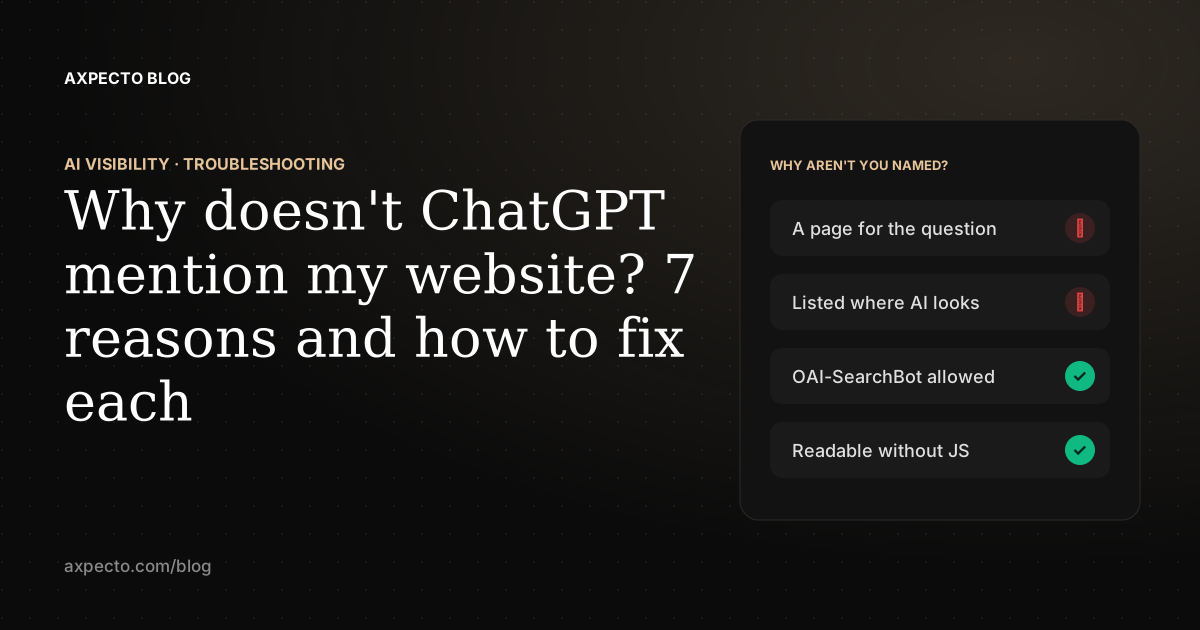
ChatGPT usually leaves a website out because the pages it reads to answer the question don't mention that website. With web search on, ChatGPT turns your buyer's question into searches, reads a handful of the results, and names the brands those pages name. So you are missing when you have no page that answers the question, when the pages that do answer it (lists, reviews, forums) don't include you, or when ChatGPT's crawler can't read your site at all.
Below are the seven reasons, roughly in the order to check them, how to tell which one is yours, and the fix for each.
First: are you checking the right way?
Many "ChatGPT never mentions us" results come from the check, not the site. Before changing anything, make sure that:
- The question doesn't name you. "Is Acme any good?" names Acme because you did; ask what your buyers ask, such as "best invoicing tool for freelancers".
- You asked in a temporary or logged-out chat, so ChatGPT's memory of you doesn't shape the answer.
- The answer used web search (it shows sources). An answer from memory can be a year or more out of date.
- You asked more than once. The same question can get a different answer a minute later.
The full method is in how to check if ChatGPT recommends your website.
1. You have no page that answers the question
ChatGPT searches for pages that match the question. If your homepage says "Elevate your workflow" and nothing on your site says "invoicing for freelancers", there is nothing for the search to find, however good the product is.
Fix: write one page per question your buyers ask. The ones that win most often are a page for each use case ("X for Y"), an alternatives page for each competitor, a comparison page for each pair, and a pricing page with real figures. In our case study, almost every question Random Talker won had a page on its site written for exactly that question.
2. The pages ChatGPT reads don't list you
For "best X" and "alternatives to Y" questions, ChatGPT mostly reads other people's pages: comparison lists, review sites, directories and forum threads. If you are not on them, you are not in the answer, even with a perfect website.
Fix: look at the sources ChatGPT links for your questions, and work on being included in them. Get listed in the directories and review sites your category uses, ask for inclusion in the lists that rank, and answer real questions in the communities your buyers read.
3. ChatGPT's search crawler is blocked
OpenAI uses a crawler called OAI-SearchBot for ChatGPT search, and its crawler documentation says sites opted out of it "will not be shown in ChatGPT search answers". GPTBot is a different crawler, for training; blocking it does not remove you from search. In our study of the top 2,000 websites, 5.7% of those with a readable robots.txt blocked OAI-SearchBot at the site root, and 13.5% blocked GPTBot.
robots.txt is not the only gate. CDN and firewall settings that block "AI bots" or challenge unknown visitors can turn a crawler away before robots.txt is read.
Fix: allow OAI-SearchBot (and the other assistants' search crawlers), and check your CDN's bot settings. Our free AI Crawler Checker shows what your robots.txt allows for each crawler and the rule that decided it. For the rules themselves, see robots.txt for AI crawlers.
4. Your content only appears with JavaScript
Many crawlers read the HTML your server sends without running JavaScript. If your pages are built in the browser, that HTML can be an empty shell: the crawler is allowed in and still finds nothing to quote. In our study, 16.9% of the top sites' homepages showed fewer than 50 words without JavaScript.
Fix: render the main content on the server, or prerender your public pages, so the text is in the HTML. The AI Crawler Checker shows how many words a crawler sees without JavaScript.
5. ChatGPT can't tell which business you are
If another company, product or project shares your name, ChatGPT may describe that one instead, or avoid naming either. We hit this ourselves: assistants were describing a PHP framework called Axpecto when asked about us. Inconsistent naming ("Acme", "Acme App", "AcmeHQ") and no structured data make it worse.
Fix: add Organization structured data to your homepage with your name, URL, logo, a one-line description and sameAs links to your official profiles, and use one name everywhere. If there is a clash, say in plain words what you are not. Only 32.4% of the top sites in our study described their organization in structured data on the homepage. See structured data for AI search.
6. Your pages don't say plainly what you do
Assistants quote concrete statements: who it is for, what it does, what it costs, how it compares. Pages that are mostly slogans give them nothing to lift, so they quote someone else's page about the category.
Fix: open each page with a one or two sentence answer to the question it targets, then back it with specifics: prices, limits, supported platforms, dates. Use lists and tables for anything that can be compared.
7. The answer came from memory, and you are new
When ChatGPT answers without searching, it uses what its model learned in training, which may predate your launch or your latest product. You can't change what an existing model learned.
Fix: make sure the search path finds you (reasons 1 to 6), since that is what answers questions about products and tools. Whether to allow GPTBot, which affects what future models learn, is your choice about your content.
How do you tell which reason it is?
| What you see | Likely reason | How to check |
|---|---|---|
| Named when asked about you by name, never for category questions | 1 or 2 | Open the sources ChatGPT links for the category question: are you on any of them? |
| Never linked, even when asked about you by name | 3 or 4 | Run the AI Crawler Checker on your homepage |
| Described as a different company or product | 5 | Ask "What is [your brand]?" in a clean chat |
| Named, but described vaguely or wrongly | 6 | Compare the description with your homepage's first paragraph |
| Named with search on, missing or out of date with search off | 7 | Ask the same question with and without web search |
What should you fix first?
- Access: let the search crawlers in and put your content in the HTML. Nothing else matters until they can read you.
- Identity: Organization structured data and one consistent name.
- Pages: one page for each question your buyers ask, answer first.
- Mentions elsewhere: the lists, directories and reviews ChatGPT cites for your category.
Axpecto's AI Visibility check runs all of this for you: it checks crawler access, structured data, identity and content for free without an account, and with a free account asks ChatGPT and other assistants your buyers' questions, lists which sources they cite instead of you, and orders the fixes.